
A leaking tap should not become a 40-message group. Tenants file a ticket. Staff stay in the loop. Vendors get the job.
Tickets
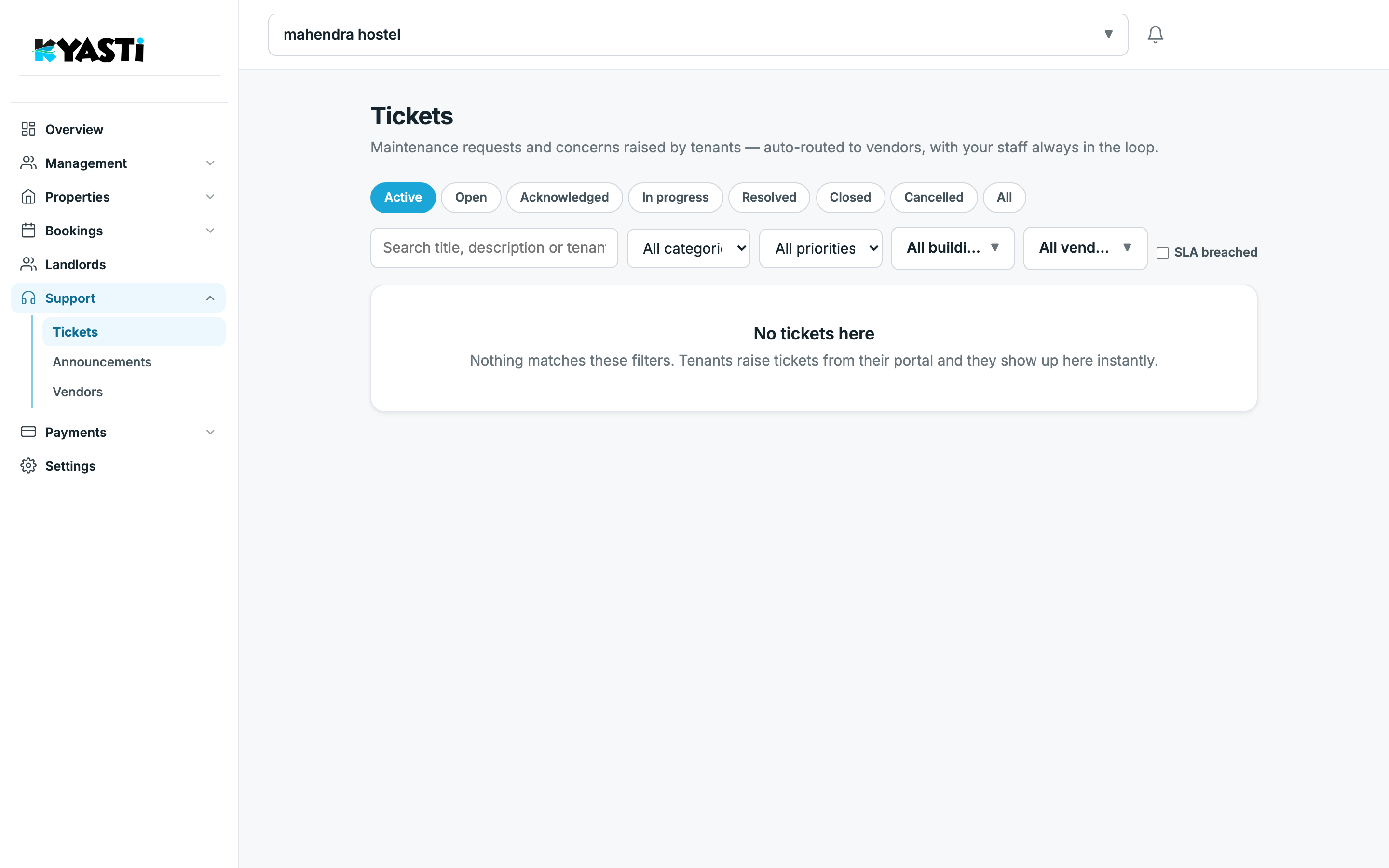
Support → Tickets. Status tabs: Active, Open, Acknowledged, In progress, Resolved, Closed, Cancelled, All. Search title or tenant. Filter category, priority, building, vendor. Check SLA breached when you are catching late work.
Empty state is honest: nothing matches until a tenant raises a ticket. That is better than a fake “all green” spreadsheet.
Vendors
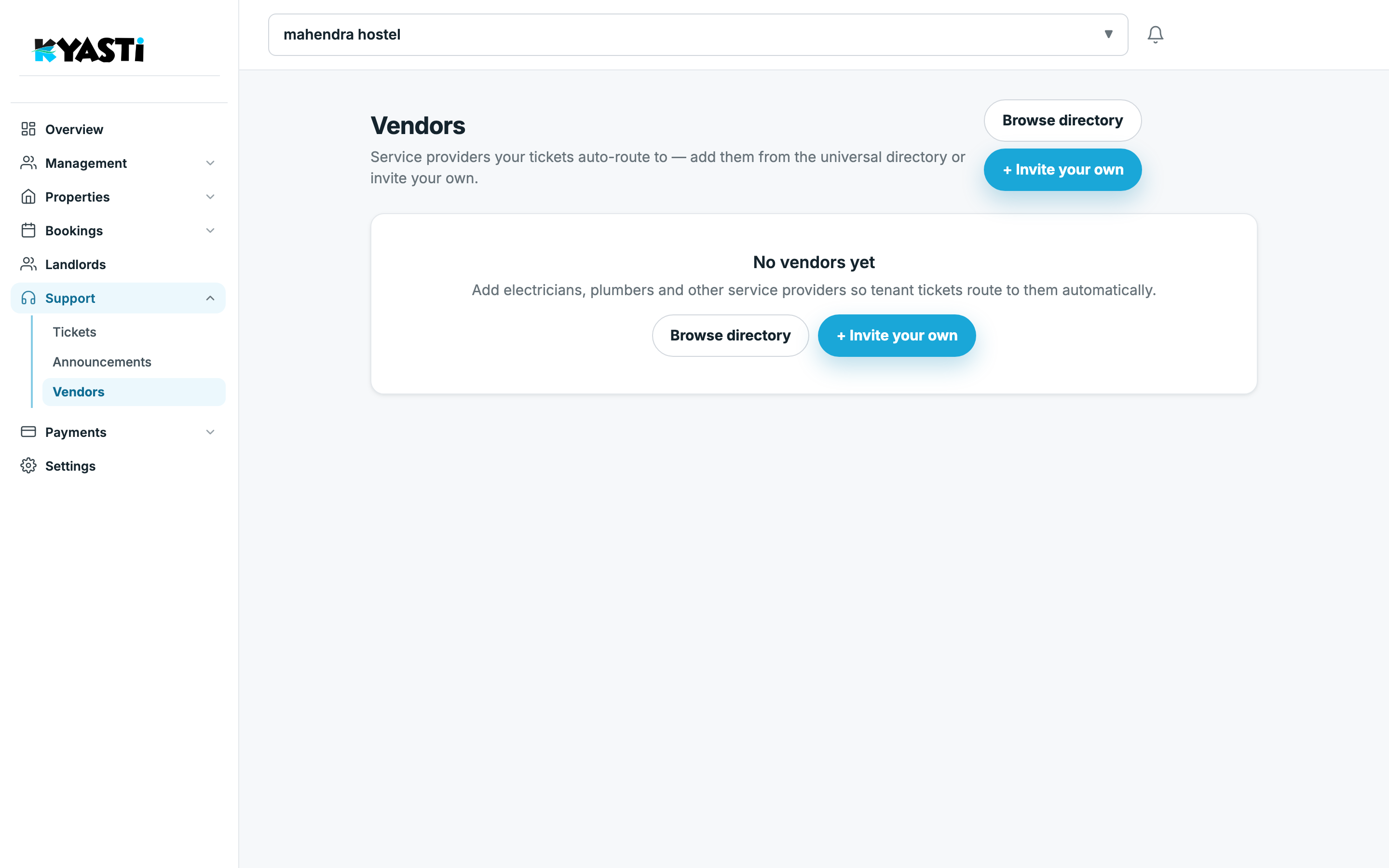
Support → Vendors is the bench: plumber, electrician, housekeeping. Assign each vendor to the buildings they actually serve so a ticket on Hostel A does not page the contractor for Hostel B.
Who should work tickets
Give the warden Staff or Manager. They can acknowledge, assign and resolve. They should not need Owner to close a tap complaint. Overview does not replace this list — it only flags volume when you add attention rules around open work.
Next step
On the demo we add one vendor, raise a sample ticket, and show the tenant-side create path so your residents are not still texting the cook.