

One shared login is how settings get changed at midnight and nobody knows who did it. Kyasti splits people and permissions.
Invite people under Staff
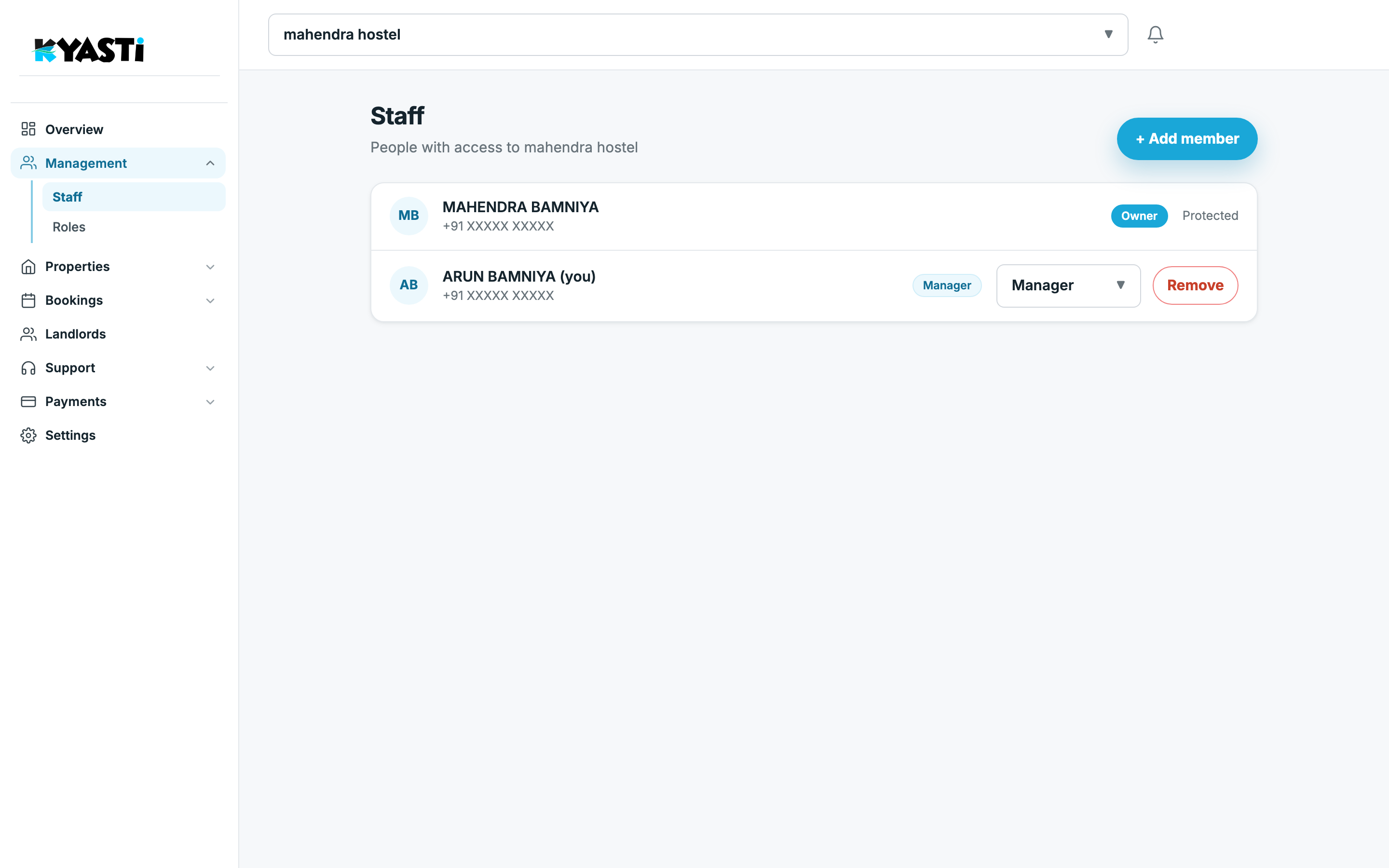
Management → Staff lists everyone with access to this business. The owner is marked Protected. Managers can be assigned a role and removed. Use Add member to invite by phone — they sign in with OTP, same as you.
What each default role can do
Management → Roles lists every role with its permission codes — view vs write for leads, stays, payments, KYC, tickets and more. Default templates exist; you can tighten a role so the night manager never sees pricing.
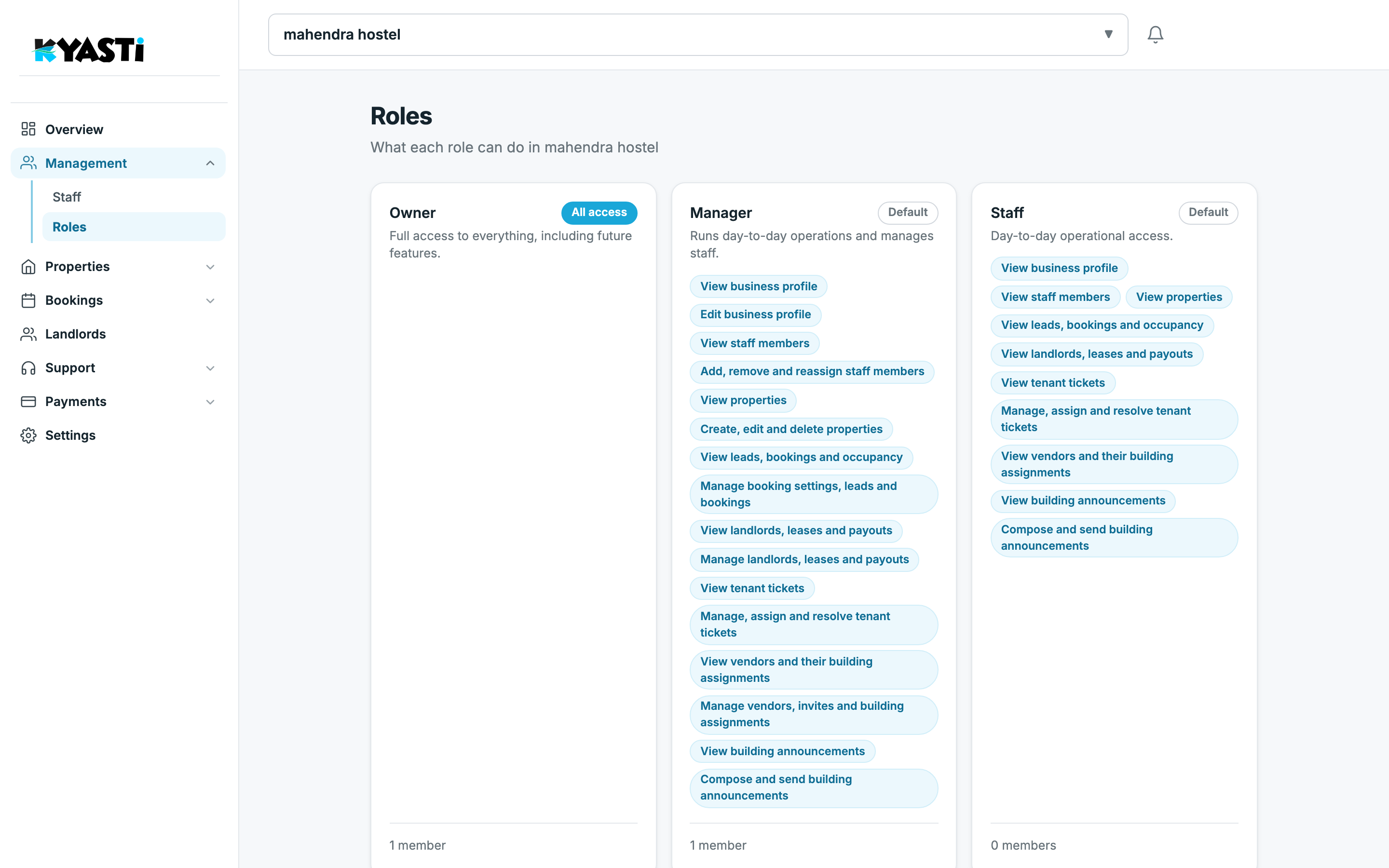
- Owner — full access. One member, protected.
- Custom roles — pick view and write codes per feature. A treasurer can see tenant payments without deleting a building. A warden can run visits without editing listings.
The warden never needs your superuser session.
When this matters
- Night manager should mark a visit done, not edit pricing.
- Accountant should see tenant payments, not delete buildings.
- A second hostel in another city gets the same roles, different people.
Next step
On the demo we will add a dummy manager and show exactly which menu items they see versus Owner.